Keep the conversation going
Chat with your agent and read replies as they stream in. Answer questions and approve requested actions from your phone.
 Hermote
Your Hermes Agent. Within reach.
Keep the conversation going. Hermote brings your Hermes Agent, projects, and workflows to your iPhone and iPad.
Made for the moments in between
Chat with your agent and read replies as they stream in. Answer questions and approve requested actions from your phone.
Find your Hermes projects, check on running agents, and reach your bots and scheduled jobs.
Dictate a message or use hands-free chat when typing gets in the way.
Open a terminal in your conversation’s Mac folder through your paired connection.
End-to-end encrypted between your paired phone and Mac, over Tailscale or a hosted relay.
Mac meets pocket
You’ll need Hermes Agent running on your Mac and access to the Hermote beta on iPhone or iPad.
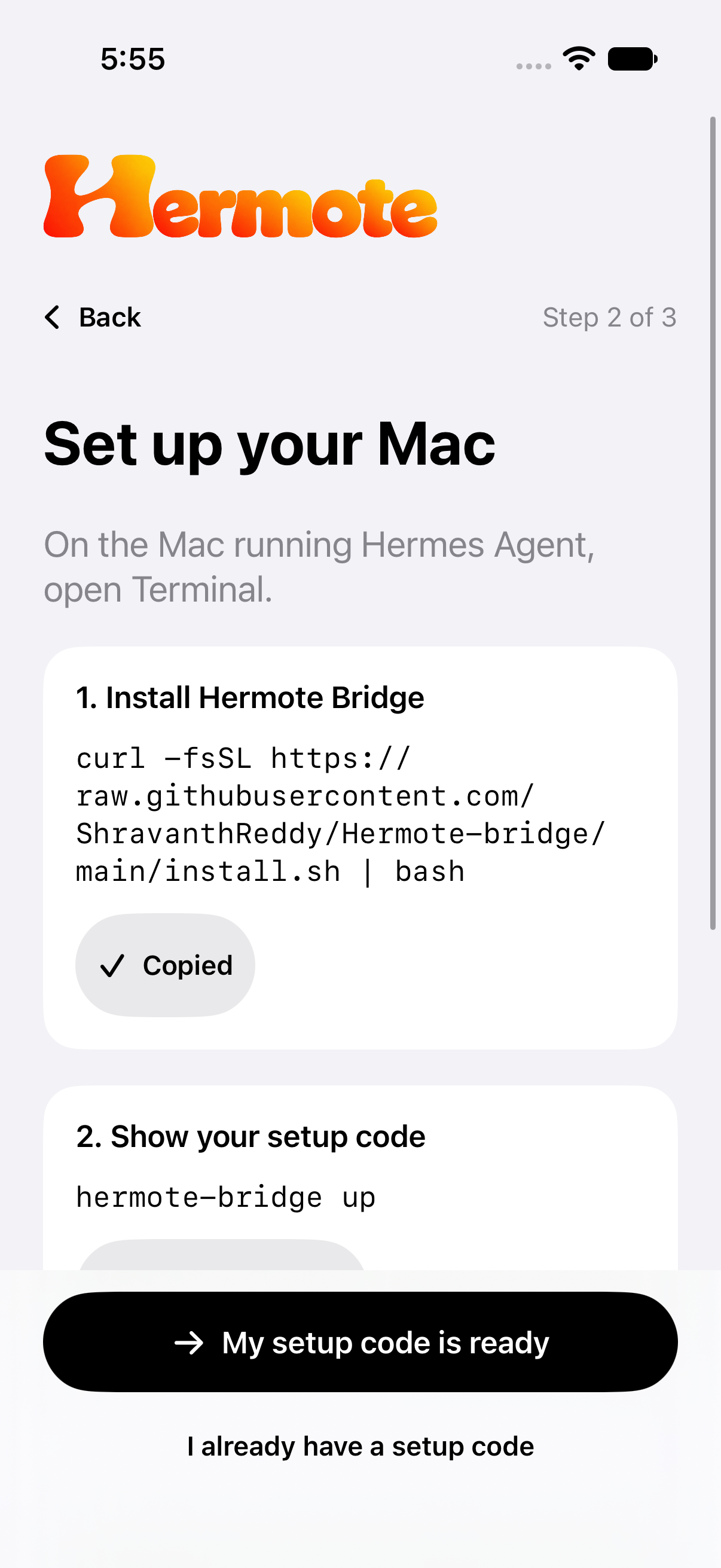
Read the setup guideGet hermote-bridge on the Mac where you use Hermes Agent.
Run hermote-bridge up and choose Tailscale or the hosted relay. Tailscale needs to be installed on both devices.
Open Hermote and scan the one-time setup code from your Mac.
Get Hermote
iPhone & iPad · Public beta
Join the public beta on TestFlight. Open to 200 testers with their own Hermes Agent setup.
Join the Hermote community for questions, bug reports, and ideas.